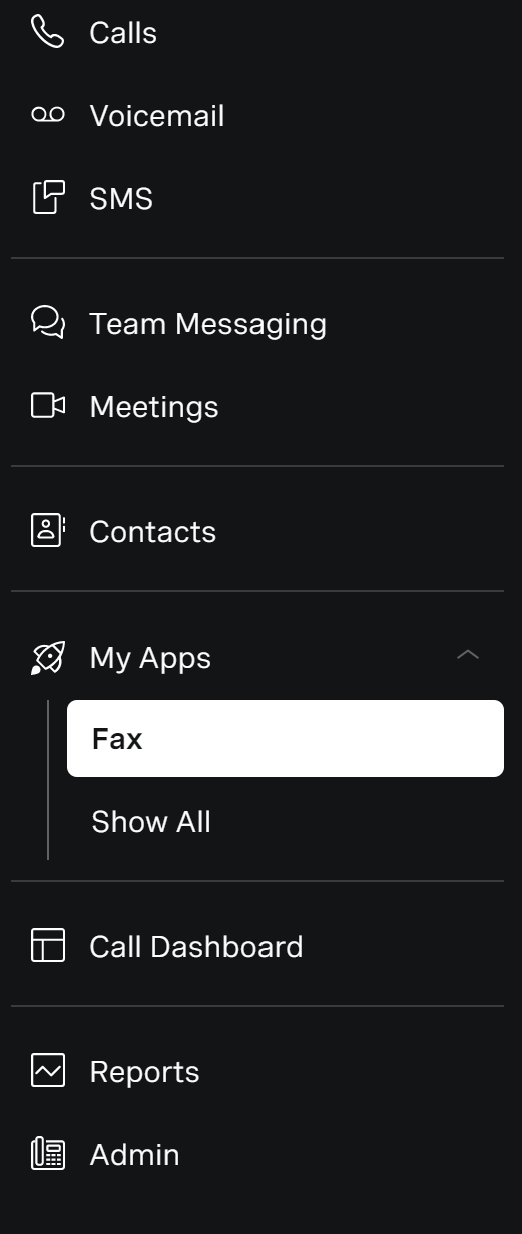
In your Vonage app, click on My Apps in the left column and then Fax
On the right you'll see your personal fax log with Recent, Pending and Failed options at the top.
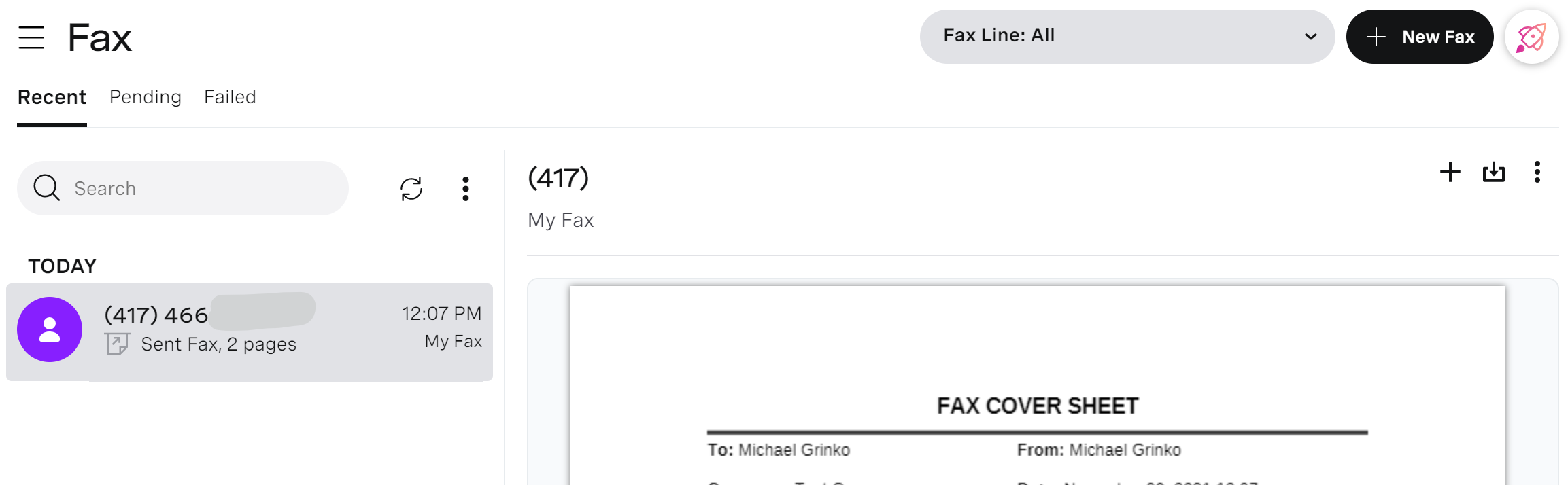
If you need to download a copy of the fax you can do so with the download icon in the upper right.
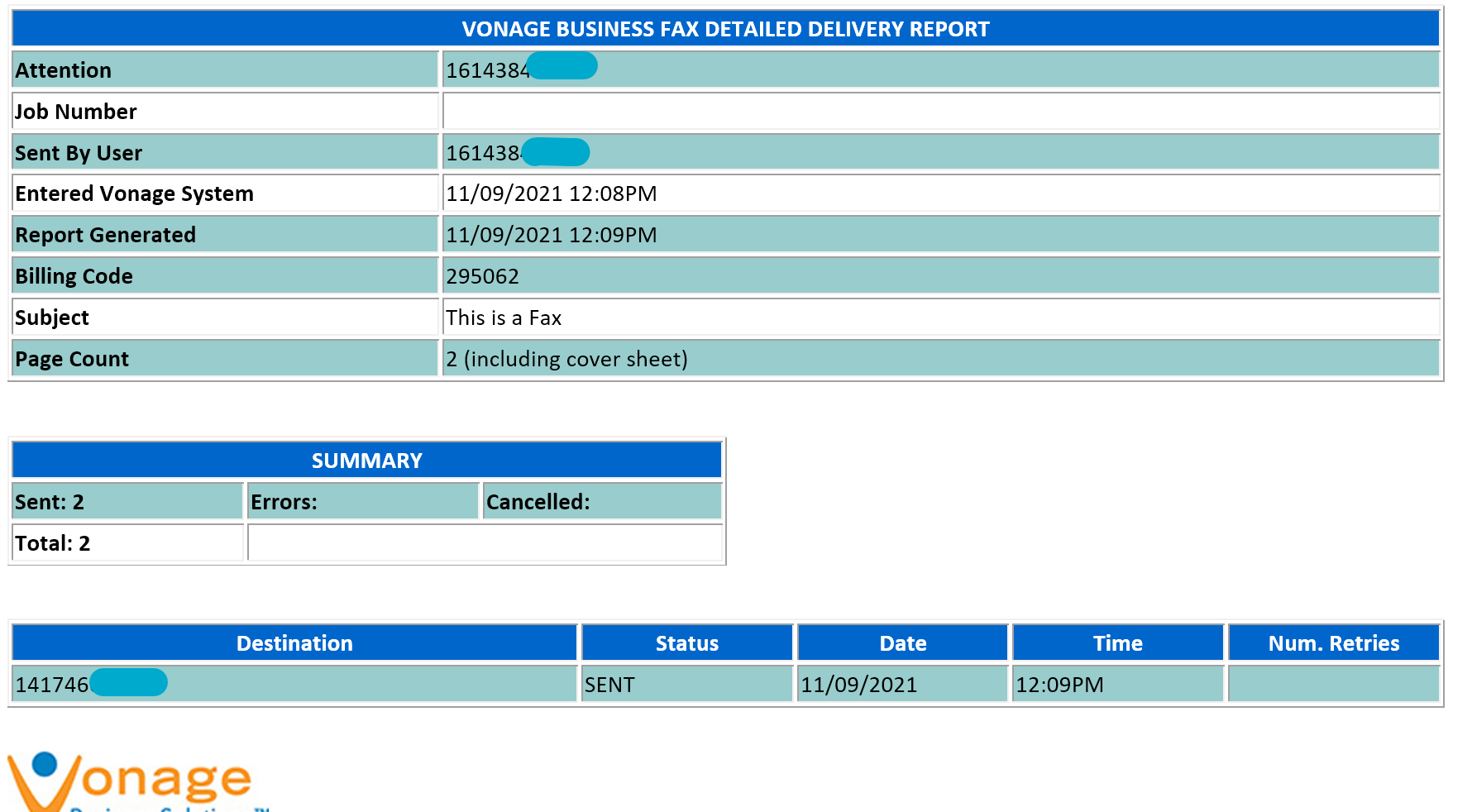
You will also get an email confirmation sent to you:
Was this article helpful?
That’s Great!
Thank you for your feedback
Sorry! We couldn't be helpful
Thank you for your feedback
Feedback sent
We appreciate your effort and will try to fix the article